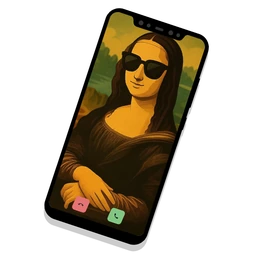

Full-screen caller ID
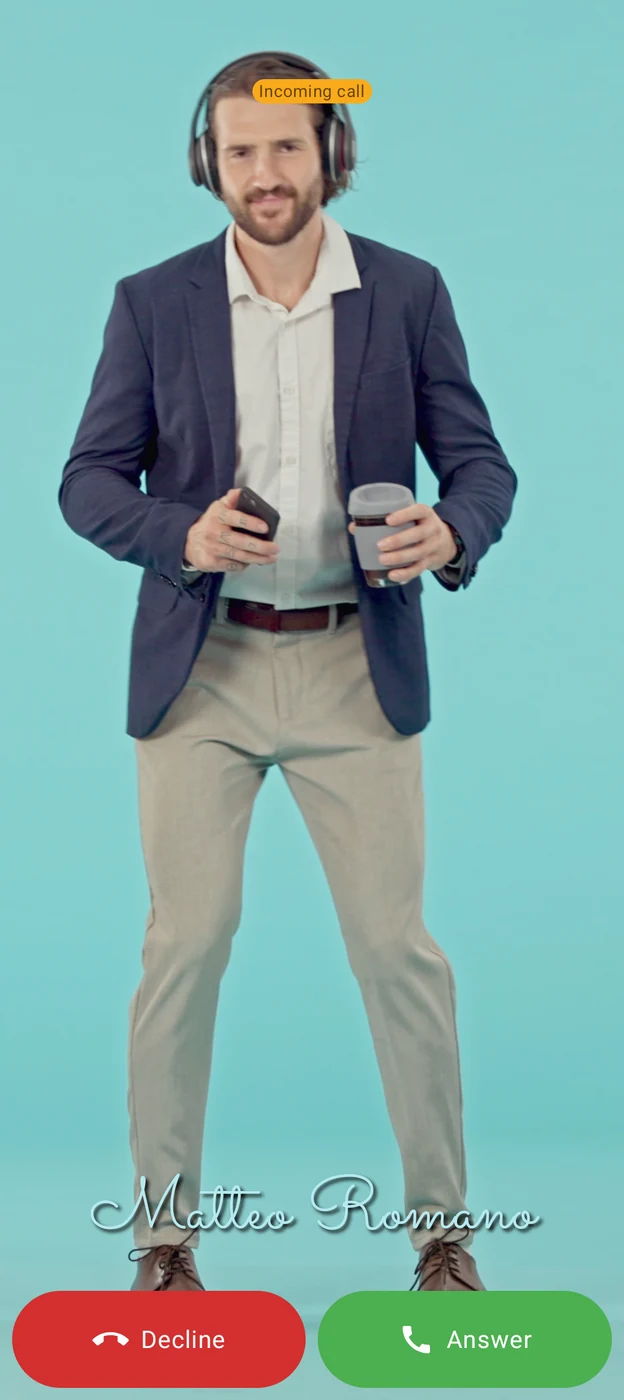
See your contacts in full screen for incoming and outgoing calls, and when you review missed calls.
Custom call screens for Android
Recognize your contacts at a glance with HD photos, videos, and custom ringtones on Android.
01 Features
Recognize familiar faces at a glance and choose what appears when your phone rings.
See your contacts in full screen for incoming and outgoing calls, and when you review missed calls.
Pick an HD portrait or a clip from your gallery. Crop videos to fit and choose whether they loop or play with sound.
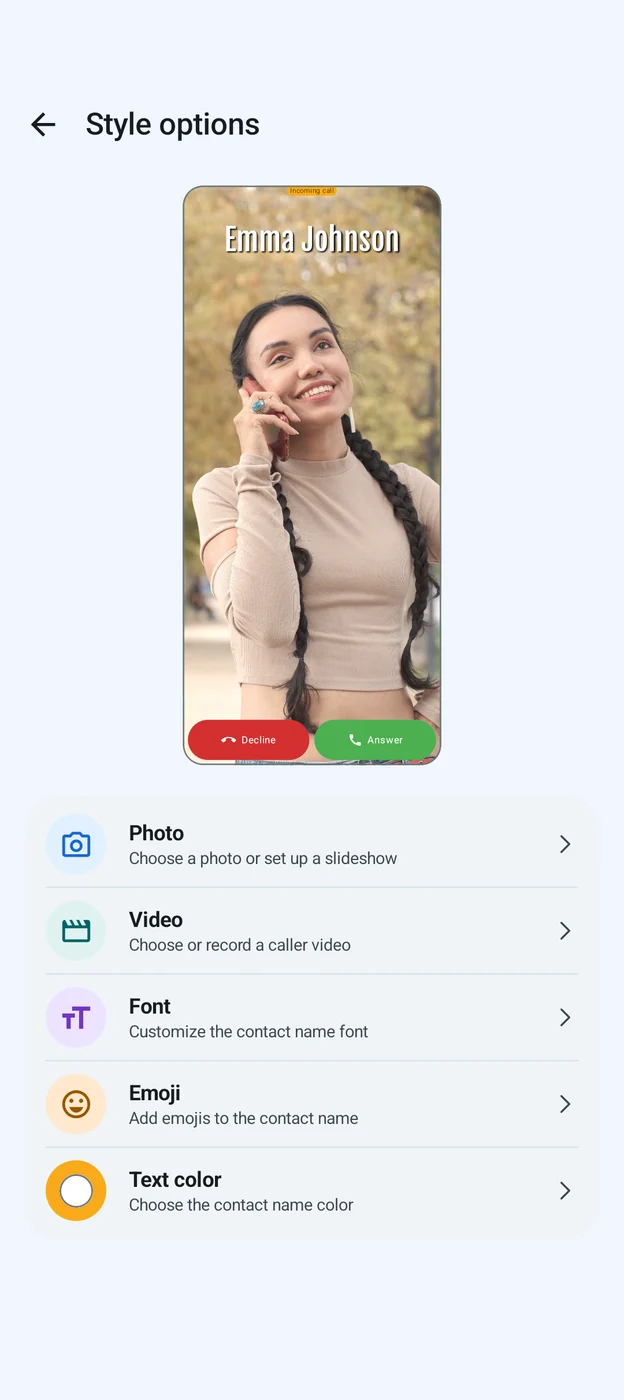
Adjust buttons, colors, and text size. Set a default style or give each contact their own look.
02 Demo
Pick a contact to see how photos, videos, and styling can change your call screen.
03 Getting started
Follow the in-app setup to make Full Screen Caller ID your default phone app and grant the permissions needed for calls and contact photos.
Add a contact photo directly in Full Screen Caller ID for the best image quality. You can also use a personal video or choose a clip from the app’s gallery.
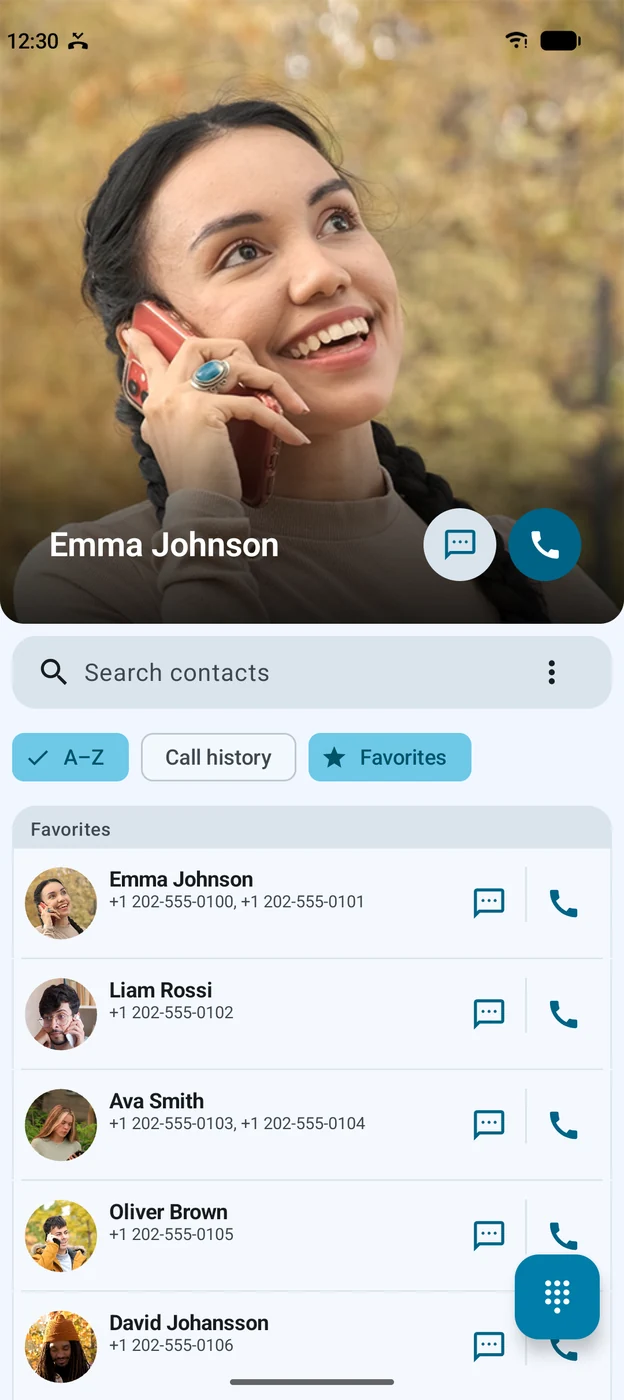
Open your favorites, dial pad, and call history. You can also block specific contacts or numbers.
Available on Android
The app contains ads. The optional Premium upgrade removes them and unlocks the full video catalog.